

🌿 Eden Calculator PRO
Advanced Eden Territory Planner • Rise of Castles
Eden

Eden Calculator PRO

📊 Eden Dashboard
Day 1
1 Setup Phase Focus: Workshops Lv 10 → Tile Lv 9
🏛️
Loyalty
0
Tile Lv 3
MS
Military Supplies
0
+0/hr
CM
Construction Mat.
0
+0/hr
⚡ Production Flow
Territory Production
Hardtack 0/hr MS
Marble 0/hr MS
Moonshine 0/hr MS
Ingots 0/hr CM
Lumber 0/hr CM
0/hr total
Workshop Processing
MSMS: 0/hr
CMCM: 0/hr
Daily Output
Military Supplies
0/day
Construction Mat.
0/day
🏰 Coalition Camps
1
1
1
1
Total Loyalty: 400
Next: Camp 1 → Lv 2 (2,500 MS)
🏭 Frontline Workshops
0
0
0
0
Processing: 0/hr
Next: Workshop 1 → Lv 1 (685 CM)
⚔️ Assault Fortresses
0
0
0
0
Field Battles: +0%
Troop Might: +0%
Build after Tile 16
🛡️ Guardian Fortresses
0
0
0
0
Field Battles: +0%
Troop Resistance: +0%
Build after Tile 16
🎯 Available Upgrades Now
⚔️
No MS available
Add MS in Workshop tab
🏭

Workshop Efficiency

Active Slots: 0/5 (0% utilization)
Processing: MS 0/hr, CM 0/hr
⏰ Active Processing:
No slots active
📦

Resource Balance

MS Resources (H+M+M):
Production: 0/hr
Consumption: 0/hr
✓ Sustainable (+0/hr surplus)
CM Resources (I+L):
Production: 0/hr
Consumption: 0/hr
✓ Sustainable (+0/hr surplus)
🎯

Next Milestones

Loyalty Tile 10
Need: 1,300 MS more
ETA: ~28 hours
Coalition Camp 2 → Lv 11
Cost: 2,800 MS
ETA: ~62 hours
Assault Fortress 1 → Lv 11
Cost: 28,000 CM
ETA: ~15 hours
🏆

Eden Progress

Eden Day
1
~5% complete
Loyalty Tile 3 / 16
Camps Avg Lv 1/20
Assault Avg Lv 0/20
Guardian Avg Lv 0/20
🎯 On track for Tile 16
📈

24-Hour Forecast

MS Production (24h)
+0
CM Production (24h)
+0
Loyalty Progress
+0 tiles
✅ Upgrades Ready in 24h:
💡 Keep slots active for maximum production!
+ 📋 Show Reference Tables (Tiler Requirements)
Challenge Points by Week

🎯 Eden Bonuses

Centralize all your bonuses in one place for easy management

🌾
Production Bonuses
+0%
Total territory production boost • Click for details
Processing Speed
+0%
Workshop processing speed boost
💰
Cost Reduction
-0%
Workshop & Fortress cost savings
📦
Capacity Bonuses
0
Total processing slot capacity

Production Bonuses

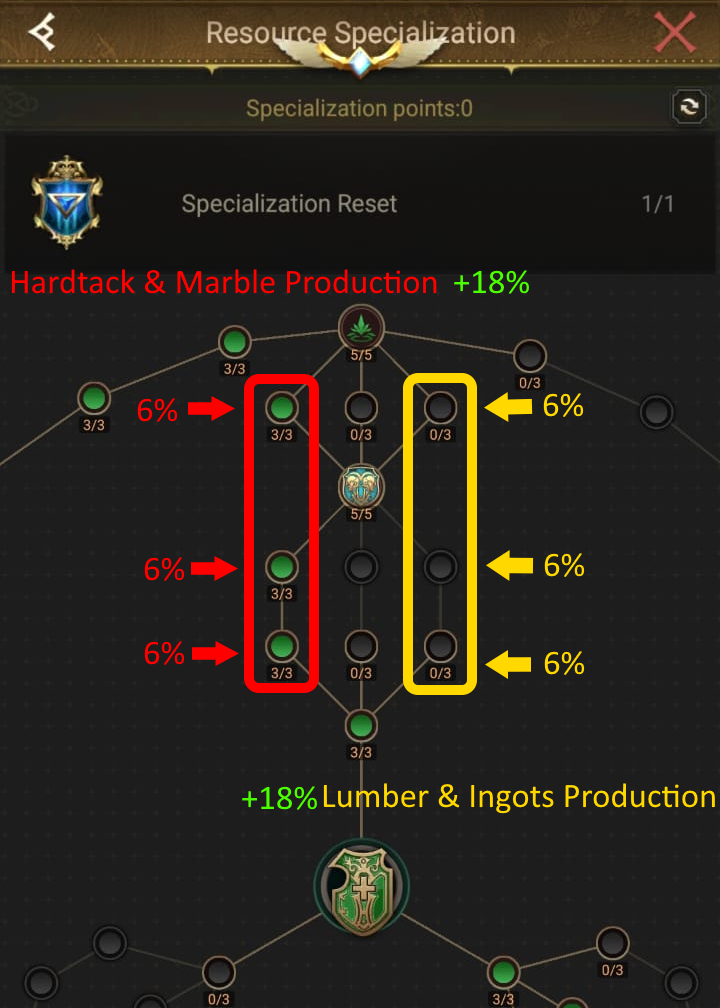
Resource Specialization

Hardtack & Marble affects: Empty Plot, Abandoned Farm, Non-Functioning Quarry
Lumber & Ingots affects: Crumbling Mine, Half Burnt Logging Site
0%
3 nodes × 6% each (max 18%)
0%
3 nodes × 6% each (max 18%)

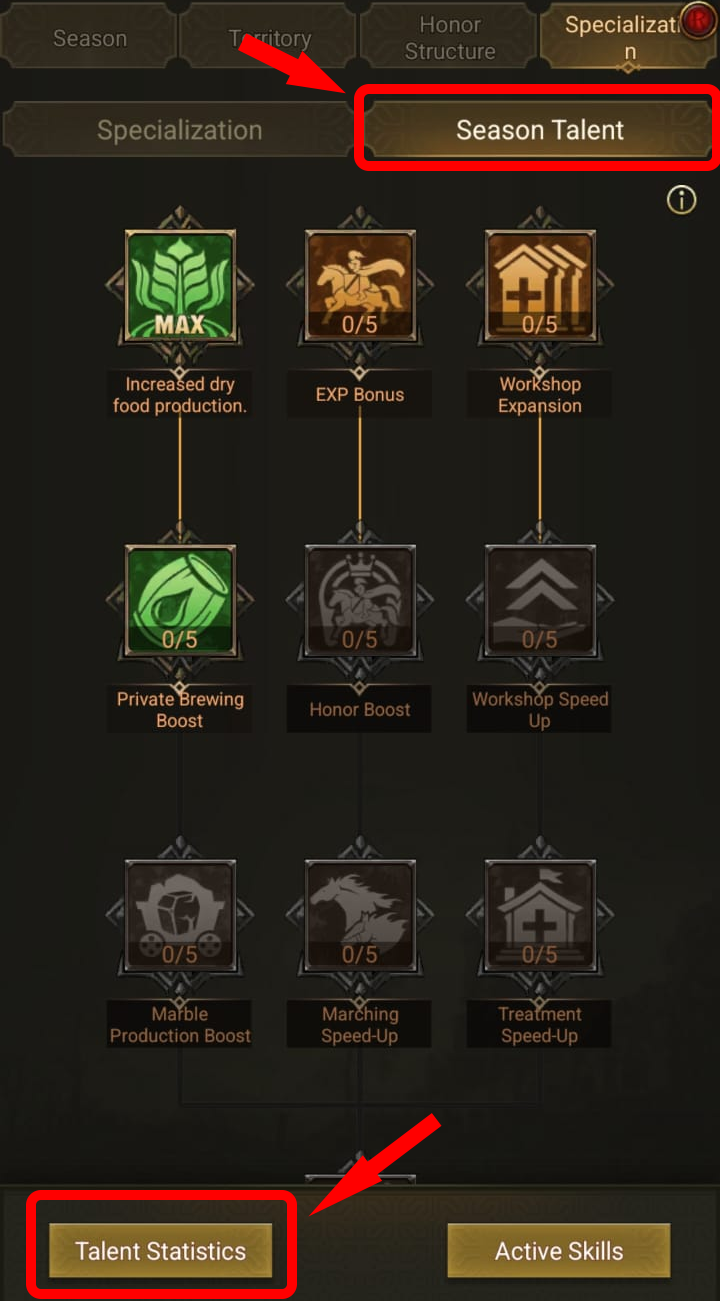
Season Talents Production

Season Talents that boost resource production (max Lv 5)
START OF EDEN
0% (Lv 0)
0% (Lv 0)
0% (Lv 0)
4th Day
0% (Lv 0)
0% (Lv 0)
0% (Lv 0)
0% (Lv 0)
0% (Lv 0)
8th Day
0% (Lv 0)
0% (Lv 0)

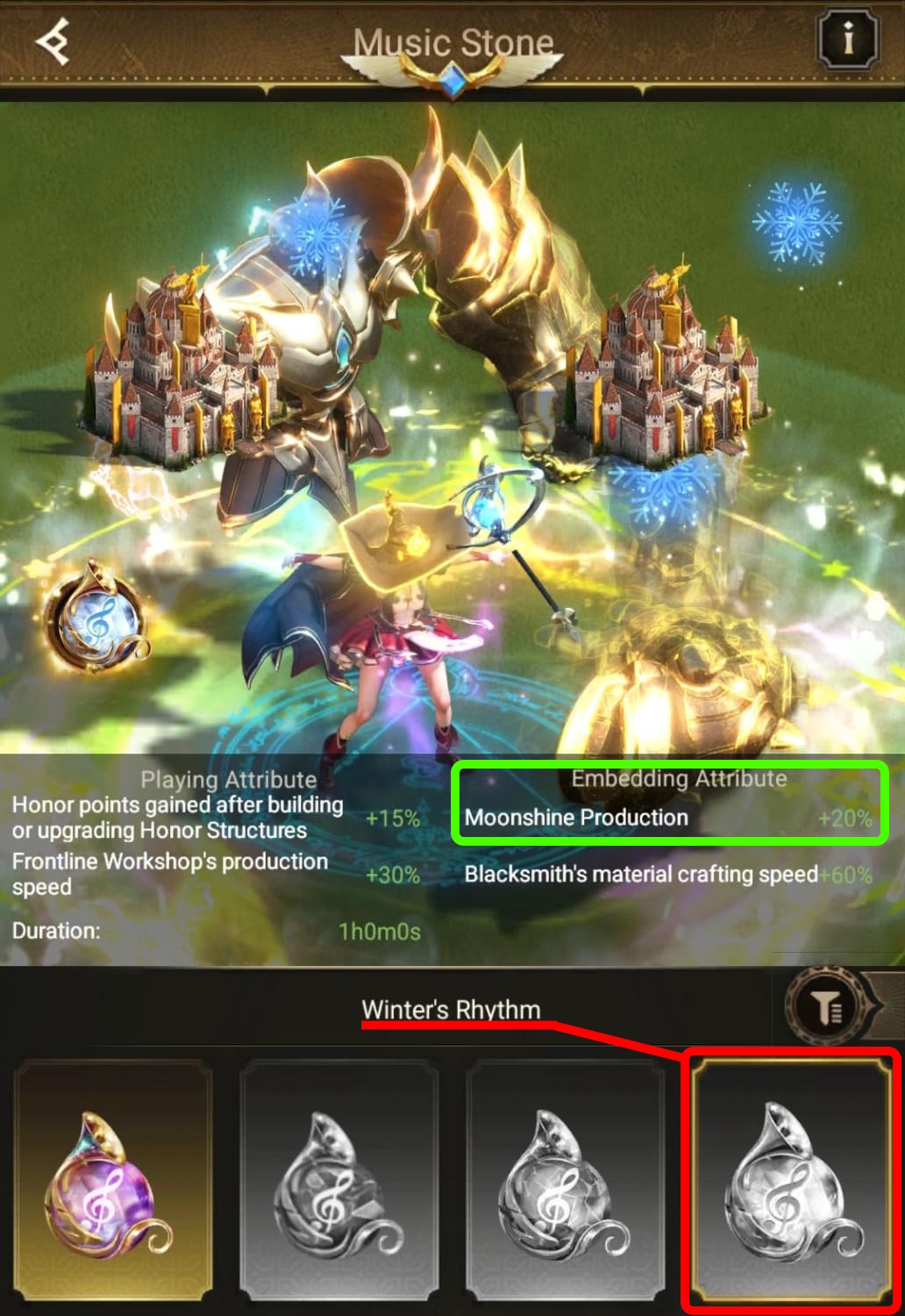
Music Stone

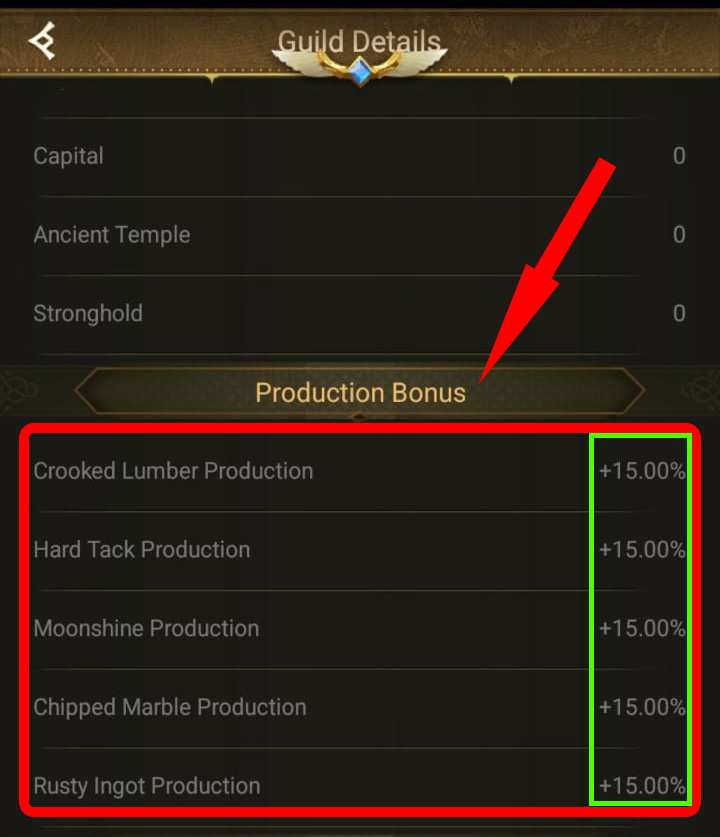
Guild Production Bonus

Enter your guild's production bonus % from occupied cities (applies to all resources equally).
Guild Bonus: %

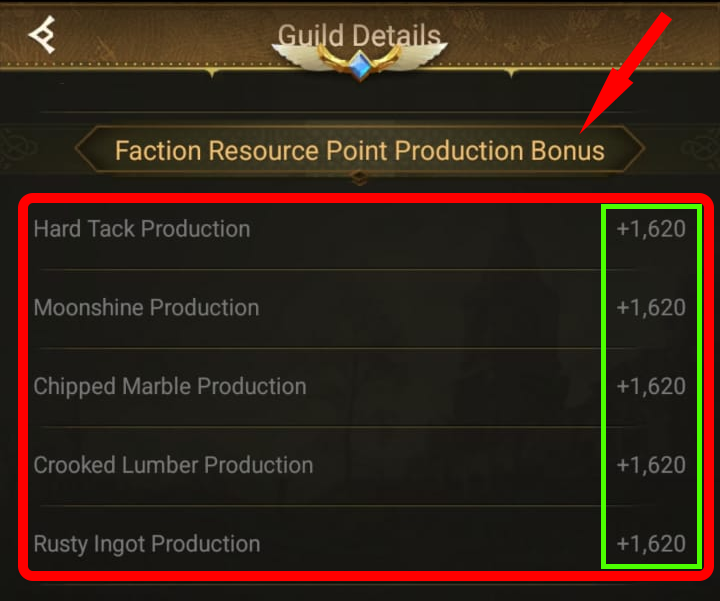
Faction Bonus

Enter the flat bonus per hour you receive from faction. Note: Does NOT apply to Empty Plot.
Faction Bonus: /hr

Other Bonuses

Enter any additional % bonus not listed above.
Other Bonus: %
⚠️ Important Note:

If your calculated values don't match the game, check if you recently captured new tilers. The game has a delay in updating production values after capturing tiles. Wait some time without capturing new tiles for the values to be adjusted correctly.

Processing Bonuses

Processing Speed Bonuses

0%
0% (Lv 0)
0% (Lv 0)

Slot Capacity Bonuses

0
+0 (Lv 0)
+0 (Lv 0)

Coalition Camp Discount

💰 Cost Reduction

Applies to Frontline Workshop & Fortresses (max 69% with Season Talents)

Resource Specialization

3 nodes × Lv 3 each = 9 levels total
-0%
Lv 1-3 = -3%, Lv 4-6 = -6%, Lv 7-9 = -9% per node

Class Craftsman

Talent cards: -20% and -3%

Alliance Represent - Architect

Alliance representative bonus

Season Talent (8th Day)

Honor Building Materials Saving
-0% (Lv 0)
Reduces CM cost for Workshop & Fortresses upgrade
Maximum: -69% (27% Spec + 23% Craftsman + 9% Architect + 10% Season)
View Production:

Resources (Detailed Mode)

0/ Tilers
Click on a tiler to add/edit your tilers by level. Production is calculated automatically.
0/hr
Empty Plot
Empty Plot
0 tilers
0/hr
Abandoned Farm
Abandoned Farm
0 tilers
0/hr
Non-Functioning Quarry
0 tilers
0/hr
Crumbling Mine
Crumbling Mine
0 tilers
0/hr
Half Burnt Logging Site
0 tilers
0/hr
Shabby Distillery
Shabby Distillery
0 tilers

📦 Resource Inventory

Enter your current resource amounts. Production values come from your Territory configuration.

Hardtack
Hardtack
Production: 0/hr
Marble
Marble
Production: 0/hr
Moonshine
Moonshine
Production: 0/hr
Ingots
Ingots
Production: 0/hr
Lumber
Lumber
Production: 0/hr

⏱️ Resource Duration

How long your inventory will sustain continuous Workshop processing (based on consumption minus production).

MS Resources Duration:
CM Resources Duration:

Guild Level Calculator

Calculate how many tilers your guild needs to reach a target level. Useful for planning first week strategies.

EXP Required: 0
Members at Target: 100

Tiler Requirement Calculator

Calculate how many tilers of each level are needed to get the required EXP.

Team Simulator

Simulate how much EXP your team can generate. Example: 100 players each capturing tilers.

Total Tilers: 100
EXP per Tiler: 0
Total EXP Generated: 0
Progress to Target: 0%

Multi-Level Simulation

Add multiple scenarios to calculate combined EXP.

Combined Total EXP: 0
Guild Level Reference Table
Lv EXP to Next Members Cumulative EXP

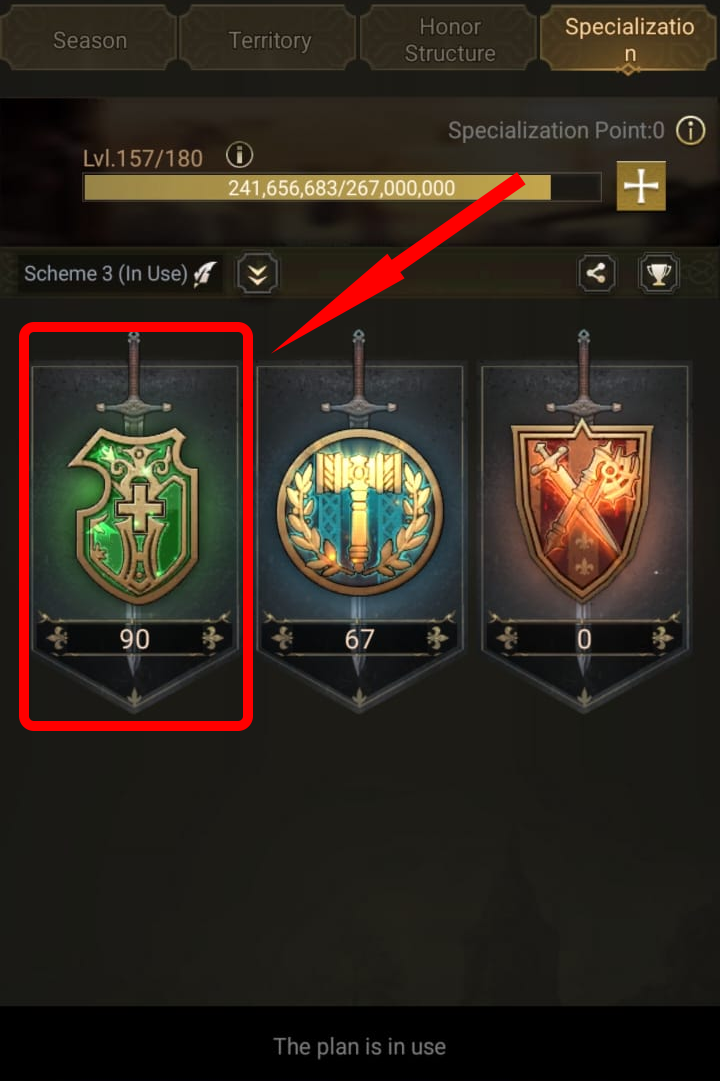
Resource Specialization

Resource Specialization 1
Resource Specialization 2
Resource Specialization 3
Resource Specialization 4
1 / 4
👆 Swipe to navigate

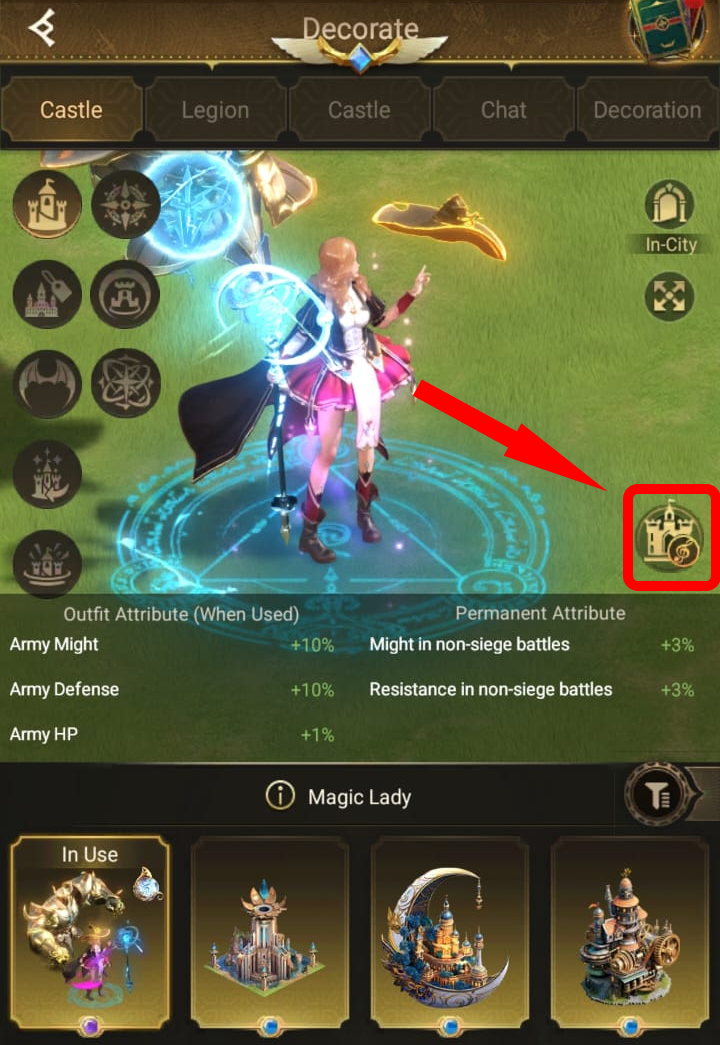
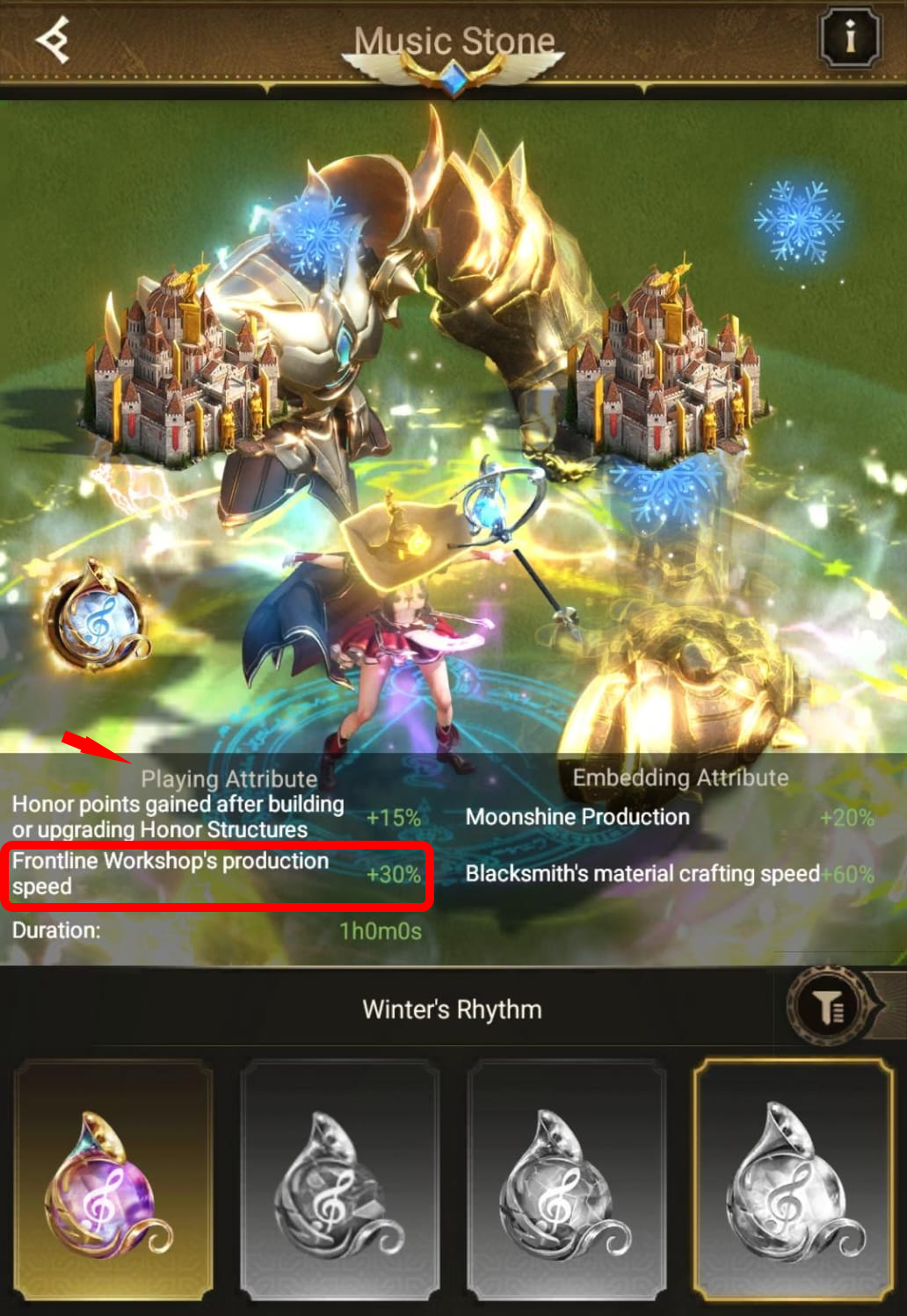
Music Stone

Music Stone 1
Music Stone 2
Music Stone 3
1 / 3
👆 Swipe to navigate

Guild Production Bonus

Guild Bonus 1
Guild Bonus 2
Guild Bonus 3
Guild Bonus 4
1 / 4
👆 Swipe to navigate

Faction Resource Point Production Bonus

Faction Bonus 1
Faction Bonus 2
Faction Bonus 3
Faction Bonus 4
1 / 4
👆 Swipe to navigate

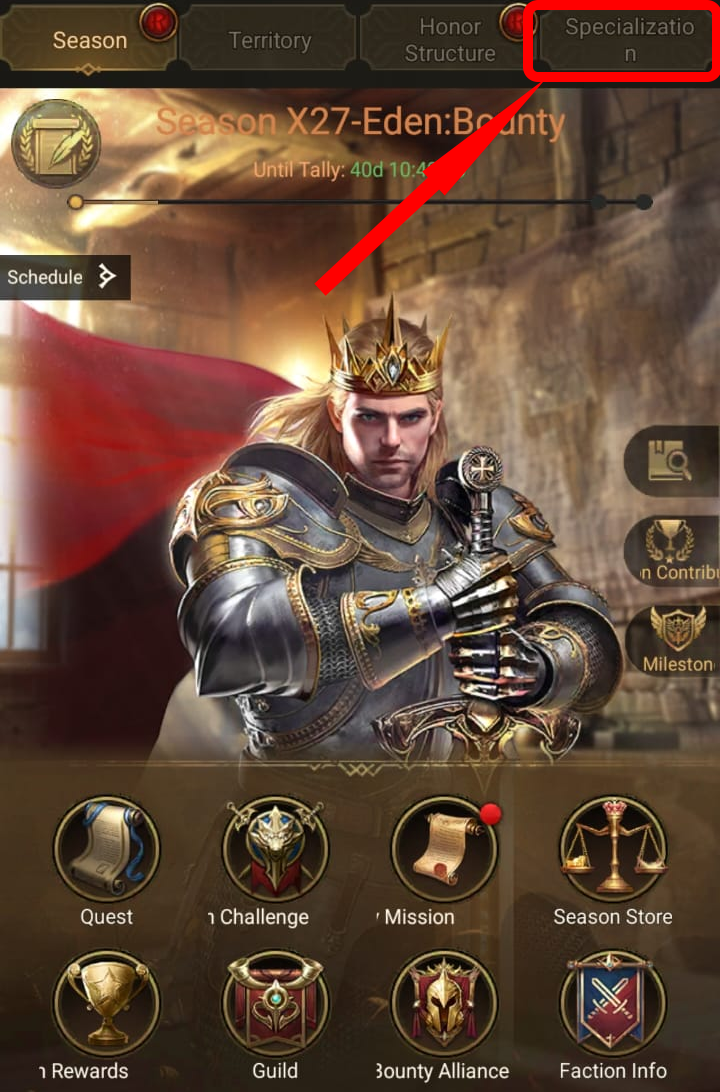
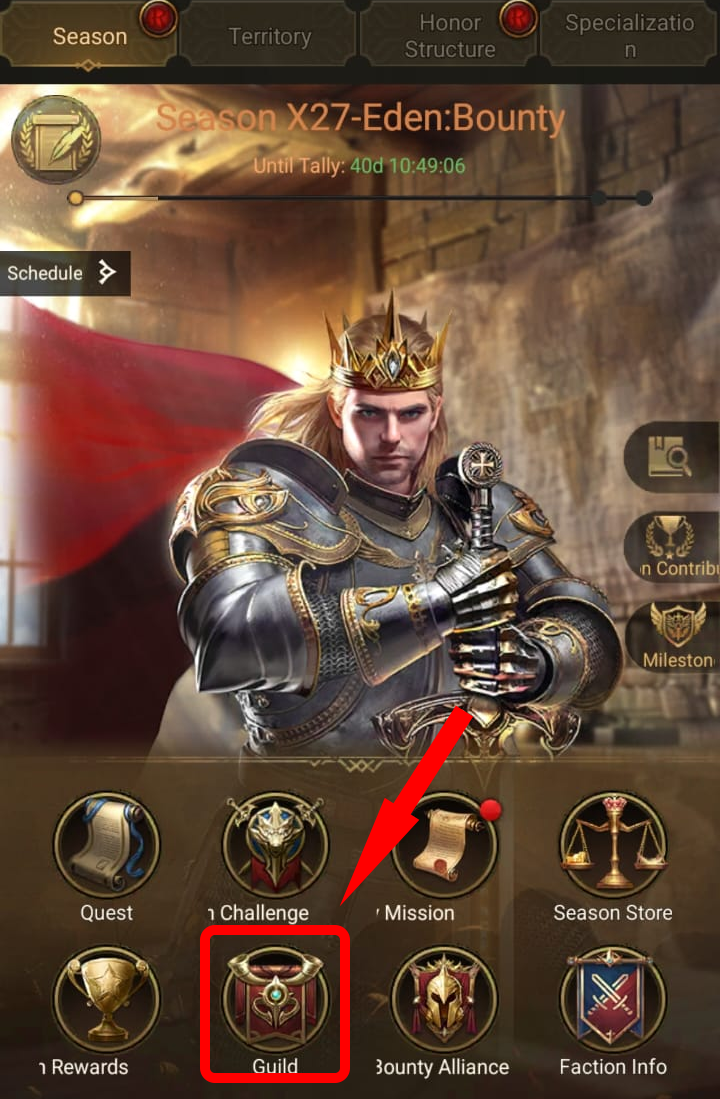
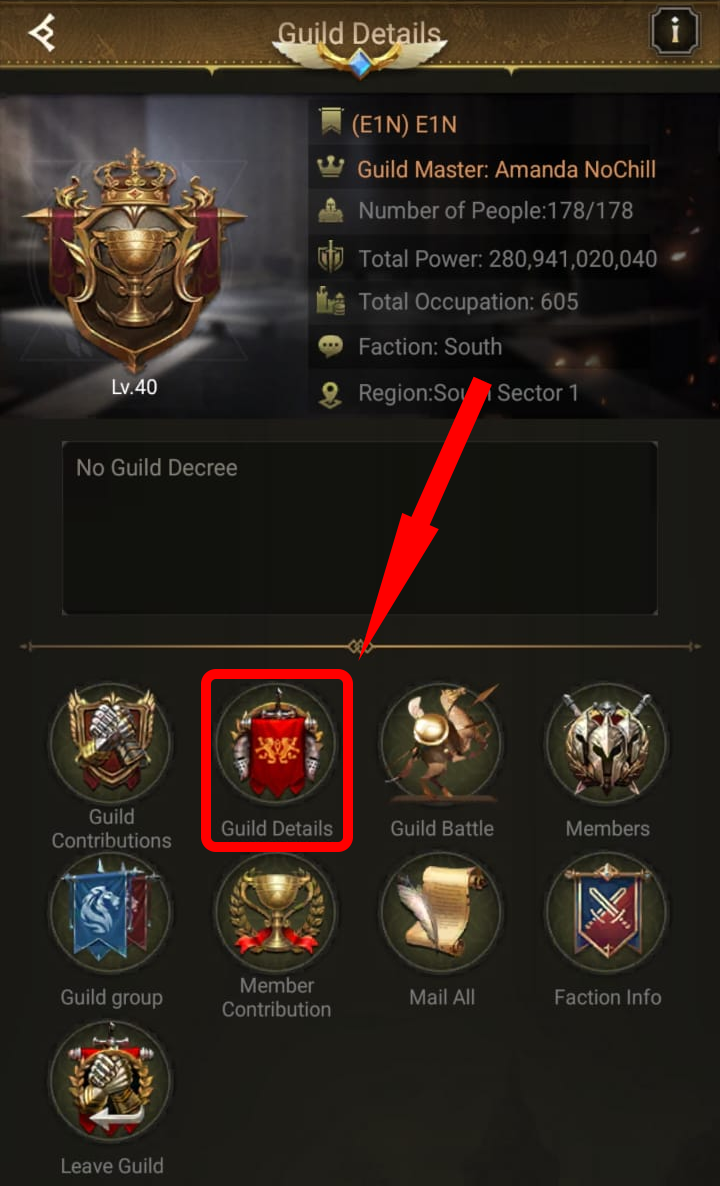
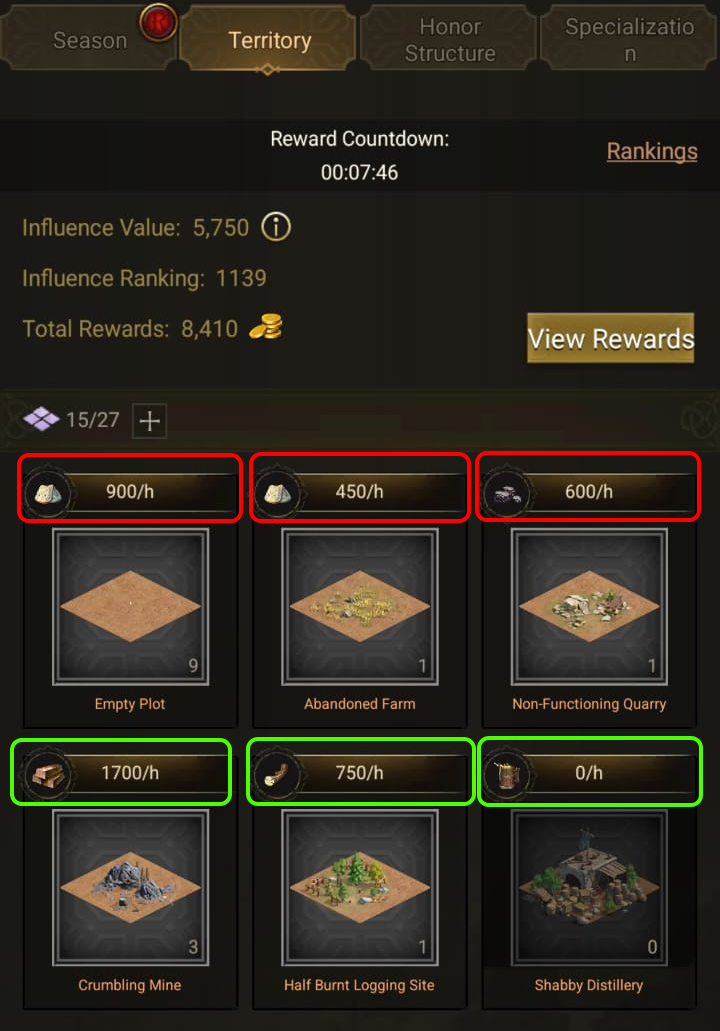
Where to Find Production Values

Simple Mode 1
Simple Mode 2
Simple Mode 3
1 / 3
👆 Swipe to navigate

How to Use Detailed Mode

1
Click on a Tiler Card
Click on any tiler image (like Empty Plot, Abandoned Farm, etc.) to open the level editor.
2
Enter Quantities by Level
In the popup, enter how many tilers you have at each level. For example: 5 at Level 14, 3 at Level 15, etc.
3
Save Your Configuration
Click Save to apply. The card will update showing total tilers and calculated production.
4
Configure Production Bonuses
Scroll down to Production Bonuses section. Set your Resource Specialization, Music Stone, Guild Bonus, and Faction Bonus to get accurate calculations.
5
Check Tiler Counter
The counter in the top shows Used/Maximum tilers. Default max is 83. Adjust if your guild has more slots available.
6
Compare with Workshop
After configuring, check the Territory vs Workshop section at the bottom to see if your production covers Workshop consumption.
💡 Pro Tip: Use the Time Toggle (Hour/Day/Week) above to see production in different time periods. Your data is automatically saved and will persist when you return!

Season Talents Production

Season Talents Production 1
Season Talents Production 2
Season Talents Production 3
Season Talents Production 4
1 / 4
👆 Swipe to navigate

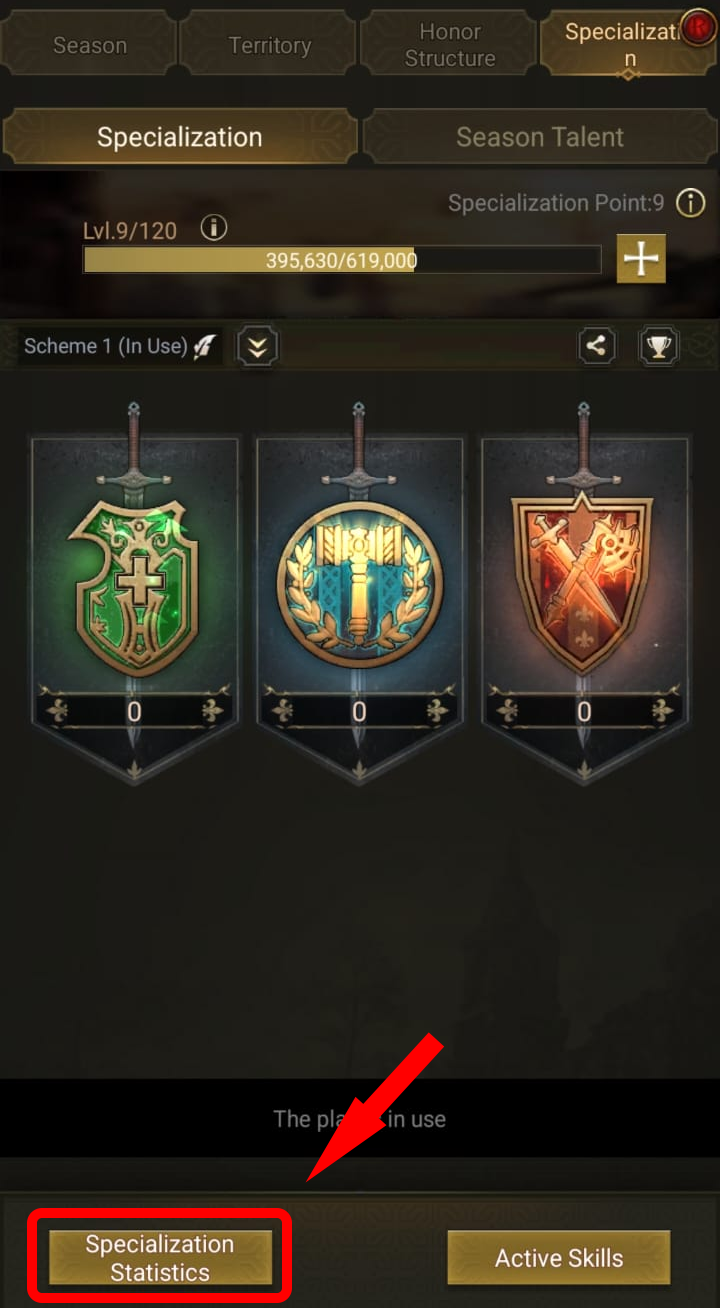
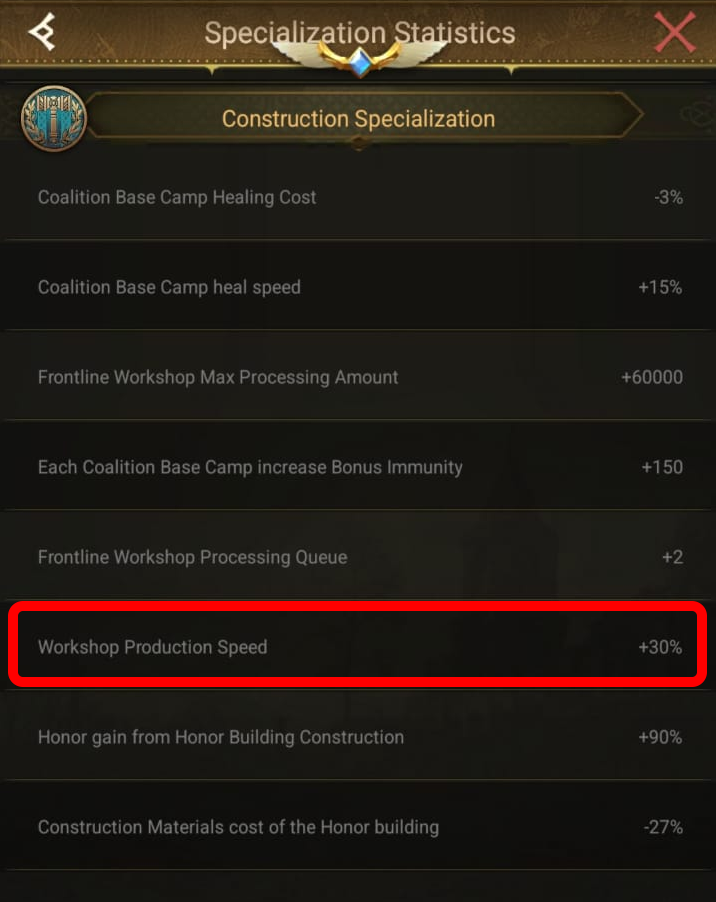
Construction Specialization

Construction Specialization 1
Construction Specialization 2
Construction Specialization 3
Construction Specialization 4
1 / 4
👆 Swipe to navigate

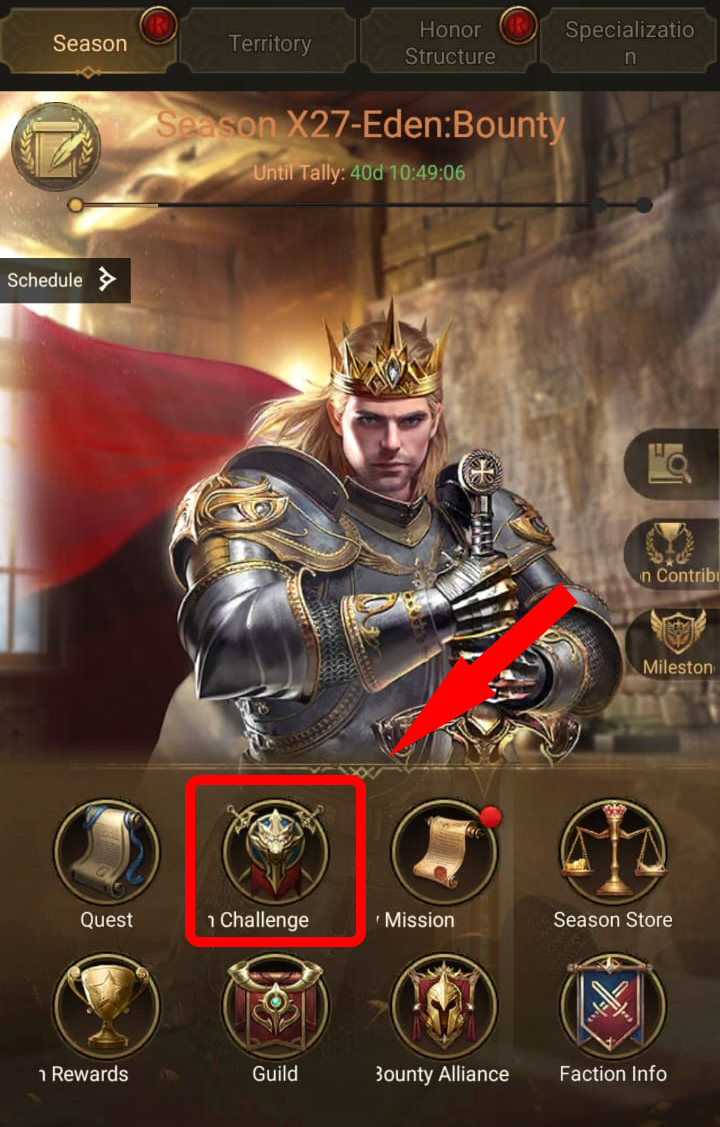
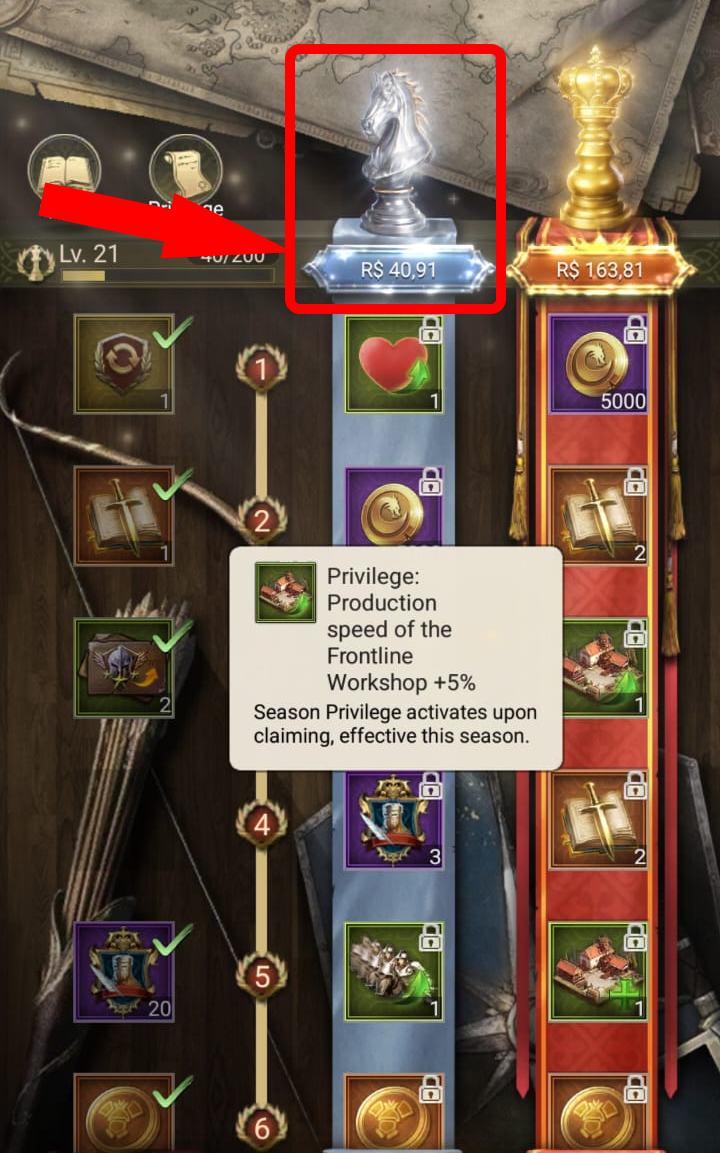
Season Challenge Elite

Season Challenge Elite 1
Season Challenge Elite 2
Season Challenge Elite 3
1 / 3
👆 Swipe to navigate

Season Challenge Epic

Season Challenge Epic 1
Season Challenge Epic 2
Season Challenge Epic 3
1 / 3
👆 Swipe to navigate

Bounty Lobby 1

Bounty Lobby 1 - 1
Bounty Lobby 1 - 2
Bounty Lobby 1 - 3
1 / 3
👆 Swipe to navigate

Bounty Lobby 2

Bounty Lobby 2 - 1
Bounty Lobby 2 - 2
Bounty Lobby 2 - 3
1 / 3
👆 Swipe to navigate

Bounty Lobby 3

Bounty Lobby 3 - 1
Bounty Lobby 3 - 2
Bounty Lobby 3 - 3
1 / 3
👆 Swipe to navigate

Music Stone Active

Music Stone Active - 1
Music Stone Active - 2
Music Stone Active - 3
1 / 3
👆 Swipe to navigate

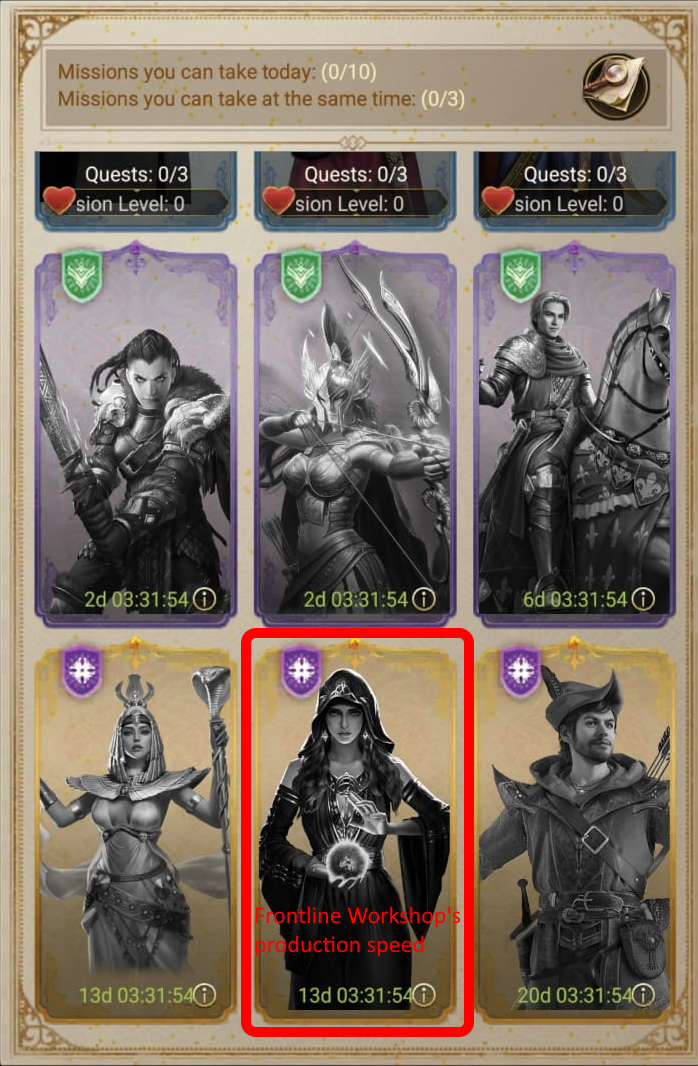
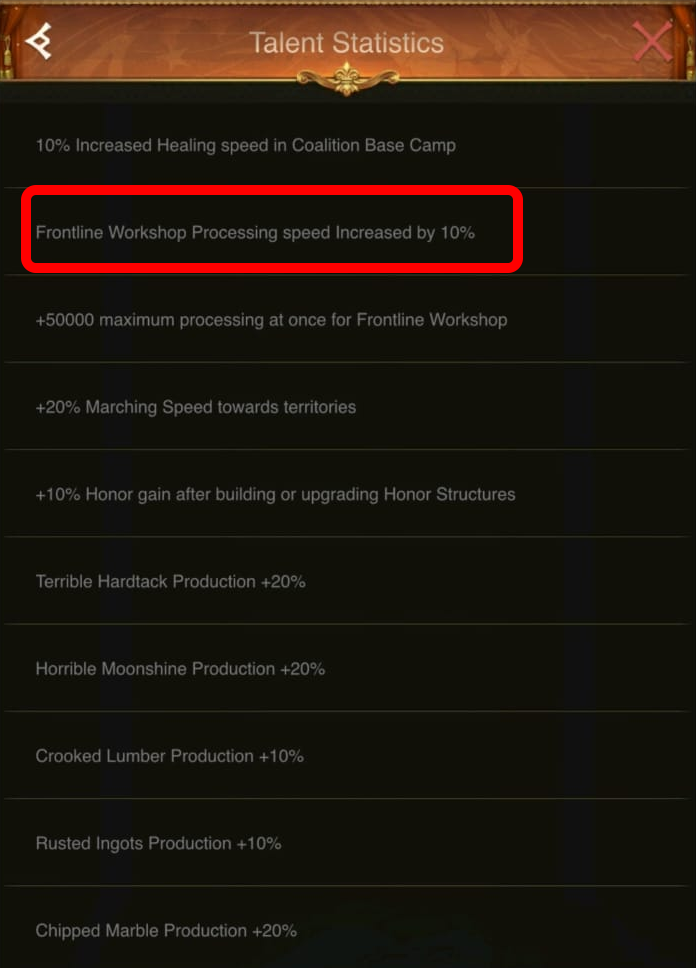
Season Talent (START) - Processing Speed

Season Speed START - 1
Season Speed START - 2
Season Speed START - 3
Season Speed START - 4
1 / 4
👆 Swipe to navigate

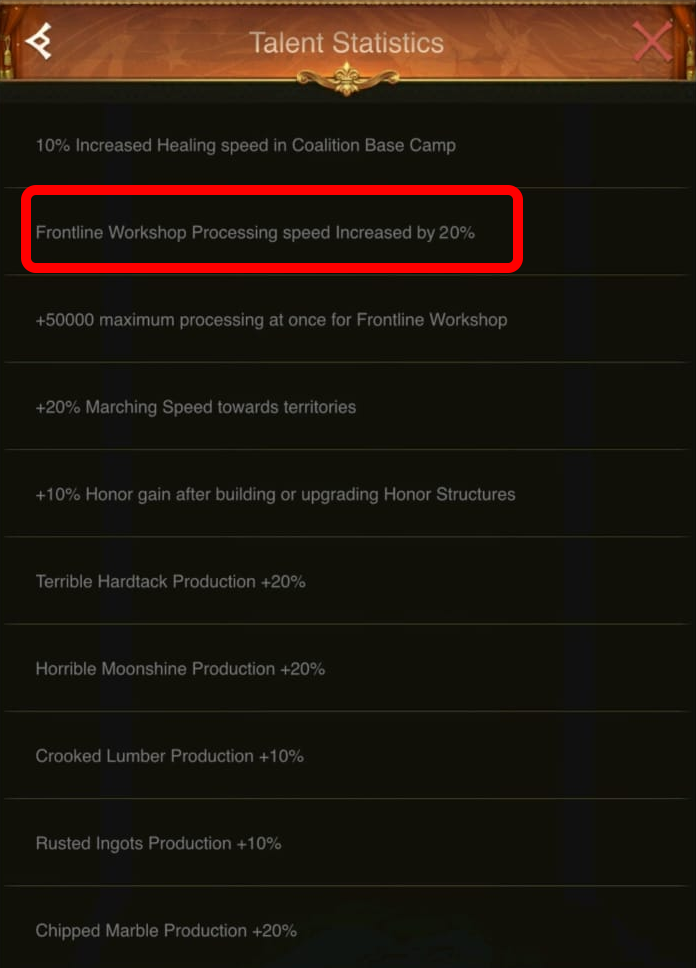
Season Talent (8th Day) - Processing Speed

Season Speed 8th - 1
Season Speed 8th - 2
Season Speed 8th - 3
Season Speed 8th - 4
1 / 4
👆 Swipe to navigate

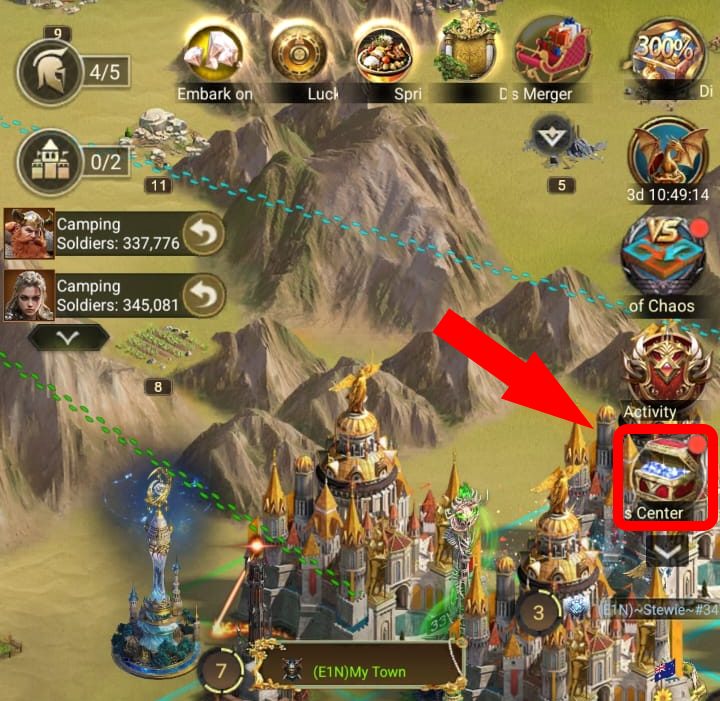
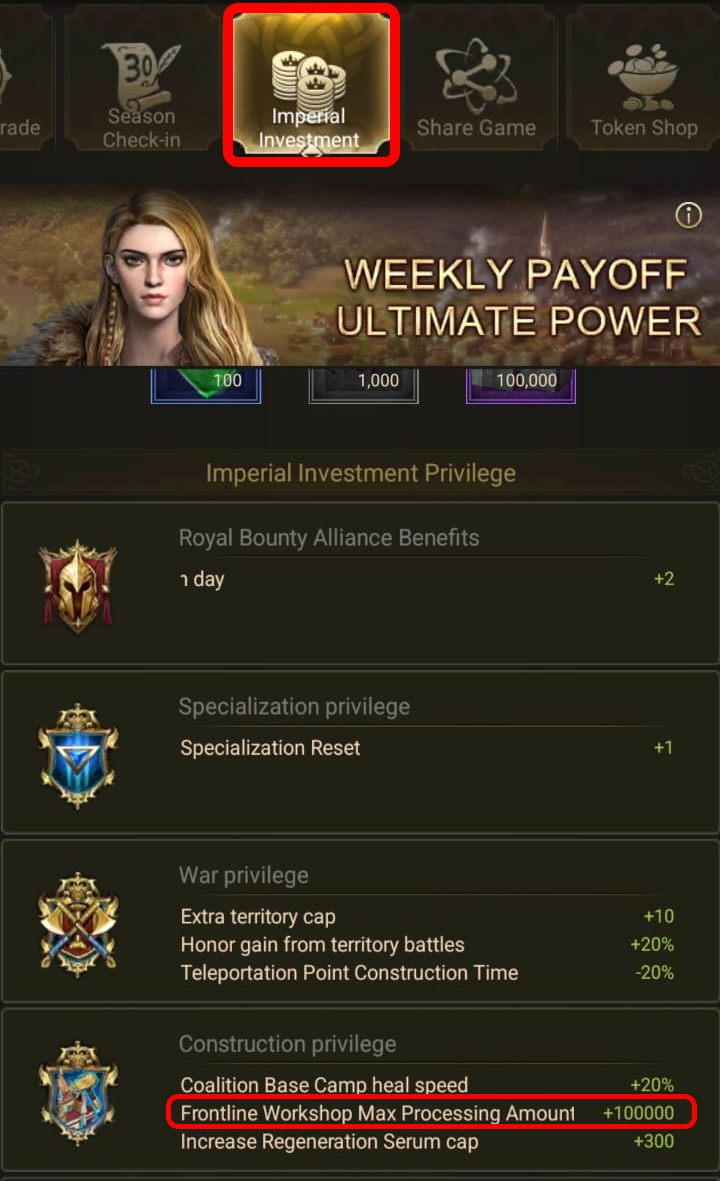
Imperial Investment

Imperial Investment - 1
Imperial Investment - 2
1 / 2
👆 Swipe to navigate

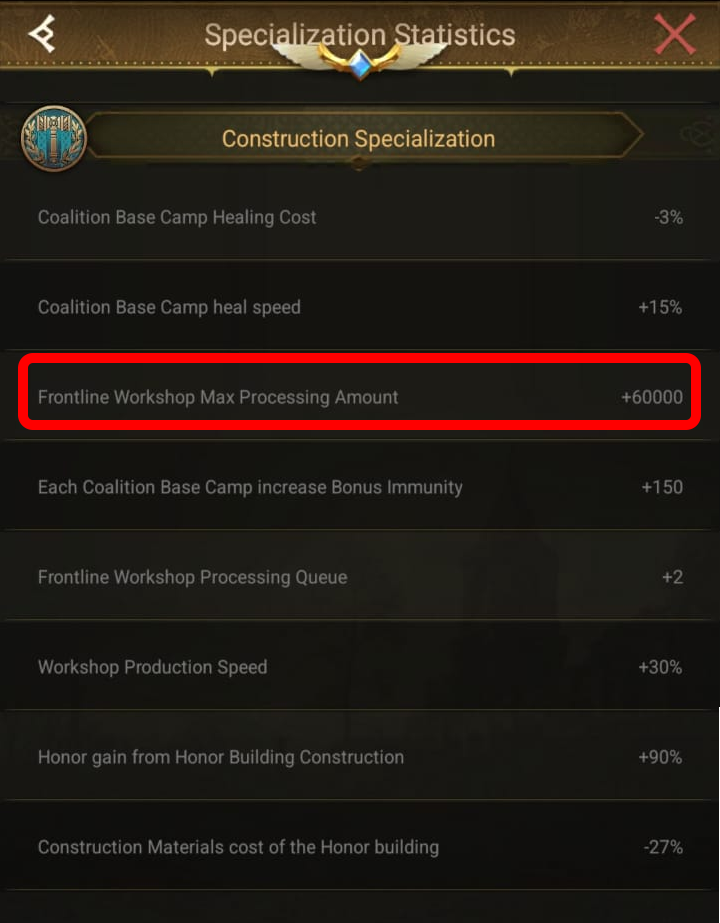
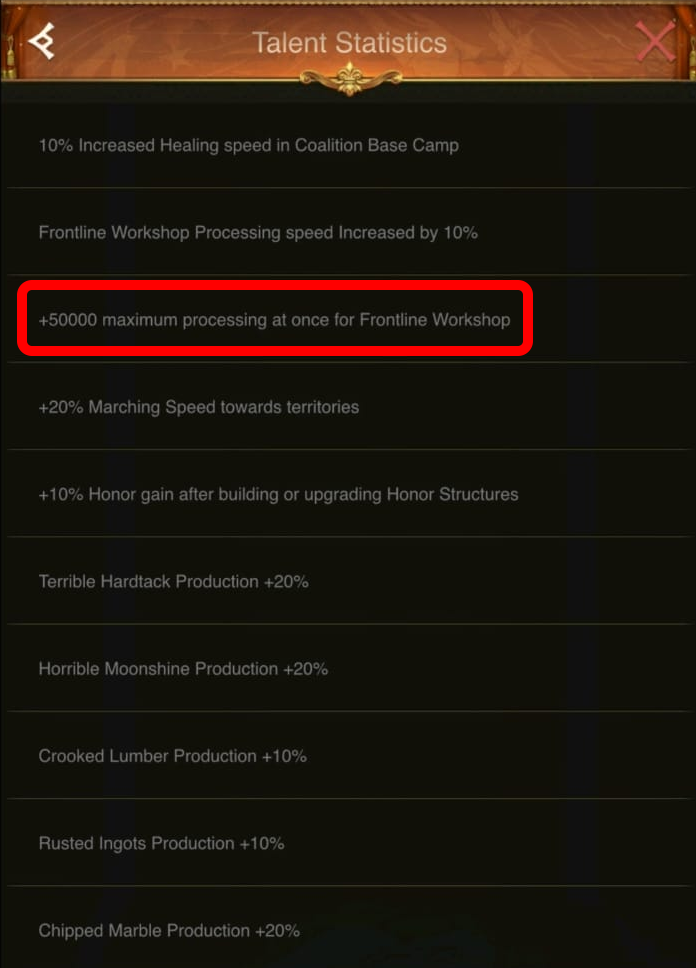
Construction Spec: Max Processing Amount

Max Processing - 1
Max Processing - 2
Max Processing - 3
Max Processing - 4
1 / 4
👆 Swipe to navigate

Season Talent (START) - Processing Capacity

Season Capacity START - 1
Season Capacity START - 2
Season Capacity START - 3
Season Capacity START - 4
1 / 4
👆 Swipe to navigate

Season Talent (8th Day) - Processing Capacity

Season Capacity 8th - 1
Season Capacity 8th - 2
Season Capacity 8th - 3
Season Capacity 8th - 4
1 / 4
👆 Swipe to navigate

🌾 Production Bonuses Detail

Total production bonus % for each resource type

🥖 Hardtack
+0%
🪨 Marble
+0%
🍶 Moonshine
+0%
⚙️ Ingots
+0%
🪵 Lumber
+0%

Workshop Frontline Workshop Levels

Workshop I
Workshop I
Workshop II
Workshop II
Workshop III
Workshop III
Workshop IV
Workshop IV
Base Speed (sum): 0/hr
Base Capacity (sum): 0

Processing Slots

📦 Slot Assignment

Click on a slot to assign a resource from your inventory. Resources will be deducted from inventory.

📦 Materials Output

MS
Military Supplies 0/hr
(0 slots)
CM
Construction Materials 0/hr
(0 slots)

📦 Processed Materials Inventory

Enter your current stockpile of processed materials. Used for upgrade planning.

MS
Military Supplies
CM
Construction Materials

📊 Production Summary

Speed per Slot
0/hr
Total Processing
0/hr
(all slots combined)
Time per Full Slot
0h 0m

Territory vs Workshop

MS Resources (Hardtack + Marble + Moonshine): 0/hr
MS Processing: 0/hr
CM Resources (Ingots + Lumber): 0/hr
CM Processing: 0/hr

📋 Daily Report

Coalition Camps

Camp 1
Coalition Camp 1
Next: —
Camp 2
Coalition Camp 2
Next: —
Camp 3
Coalition Camp 3
Next: —
Camp 4
Coalition Camp 4
Next: —
Cheapest
Cheapest: —
Cost: —
Construction Specialization 4 nodes × 5 levels = up to 1,200 bonus loyalty
0
0/5
0/5
0/5
0/5
MS Available: 0
Next upgrade:
Still needed:
Time to farm:
Edit in Workshop →
Target Planning Choose target tile level and method
Loyalty Planner Each camp upgrade grants +100 loyalty
0
Next target: — Upgrades required: — Materials Needed: — Time to process: —
Cheapest upgrade path
#Coalition CampUpgrade toMaterial CostTime

⚔️ Assault Fortresses

Bonuses: Troop Might in field battles & Troop Might

AF1
Assault Fortress 1
AF2
Assault Fortress 2
AF3
Assault Fortress 3
AF4
Assault Fortress 4
Total Bonuses: Field +0% | Might +0%

🛡️ Guardian Fortresses

Bonuses: Troop Resistance in field battles & Troop Resistance
GF1
Guardian Fortress 1
GF2
Guardian Fortress 2
GF3
Guardian Fortress 3
GF4
Guardian Fortress 4
Total Bonuses: Field +0% | Resistance +0%

Fortress Planner

Current Progress Upgrade fortresses to maximize battle bonuses
CM CM Available: 0
CM CM Production: 0/hr
Next Cheapest Upgrade Most cost-effective fortress upgrade
Fortress
Assault Fortress 1 → Lv 1
Cost: 6,856 CM
CM Needed: 0
Time to Process:
With Cost Reduction:
All to Level 20 Total cost to max all 8 fortresses
Total CM Required: 0
CM Still Needed: 0
Time to Process:
Max Bonuses at Lv 20:
⚔️ Assault: Field +400% | Might +20%
🛡️ Guardian: Field +400% | Resistance +20%

Processed Materials

MS Processed Military Supplies
CM Processed Construction Materials
Your current production: 0 / hr
Tip: Military Supplies are used for Coalition Camp upgrades; Construction Materials are used for Honor Structures.

Upgrade Gap

Selected requirement
0
Already processed
0
Missing for next upgrade
0
Time required

Structures

Frontline Workshop
Check levels to sum their Material Cost.
All: — Selected: —

Eden Specialization Planner

Plan your Resource, Construction, and Combat specialization trees with our interactive tool.

Open Specialization Planner →